





Every fake click to a product page is budget spent on someone who will never buy. ProtectAds blocks invalid traffic and keeps your spend on real shoppers.







Or any other site, via Google Tag Manager or custom HTML.
Every click to your store is scored the moment it lands.
Fraudulent IPs are automatically excluded from your campaigns.
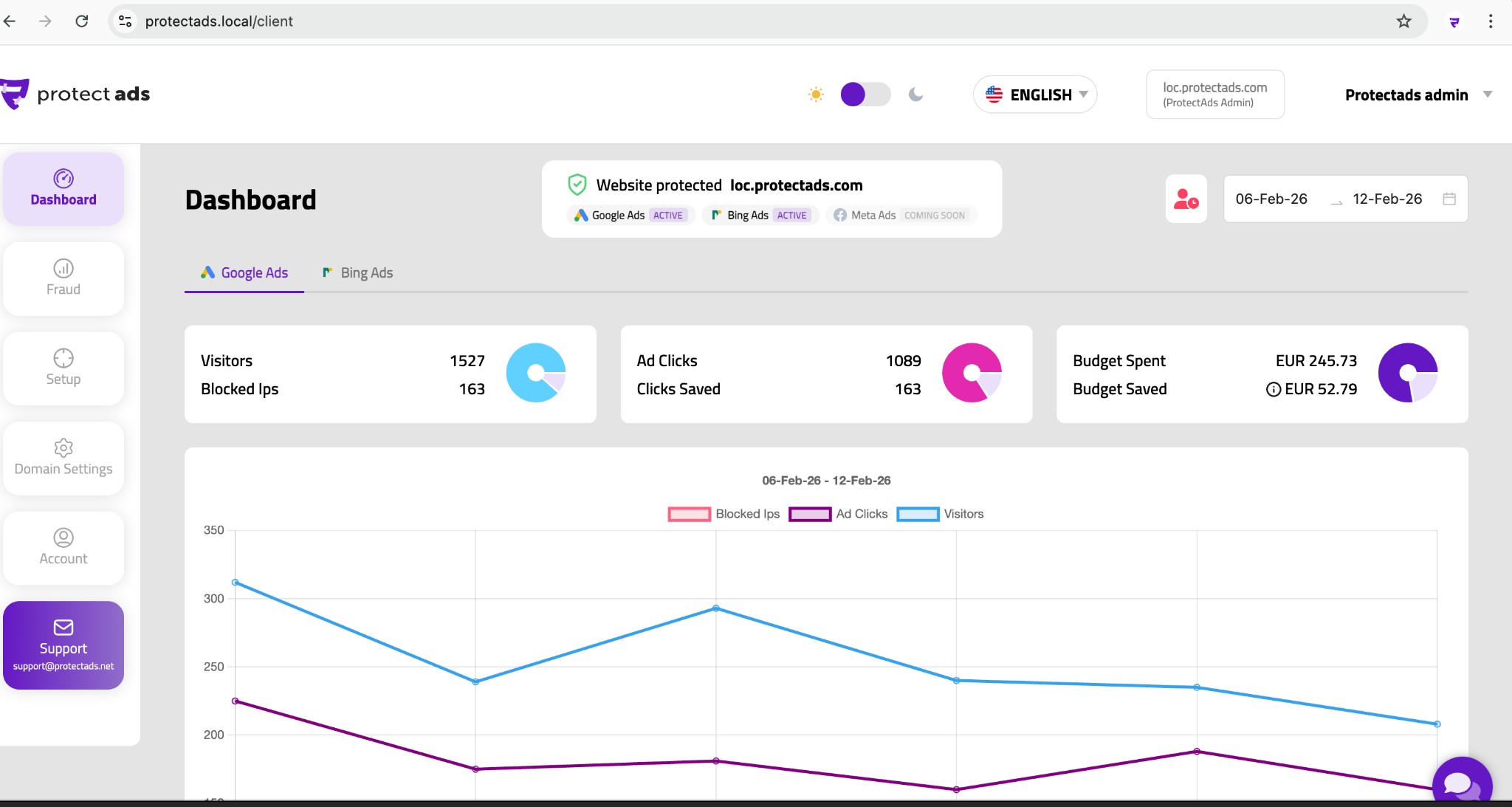
See how much invalid traffic you stopped and how much budget you kept for sales.
ProtectAds fully supports Google Ads and Bing Ads (Microsoft Advertising), with protection across Search, Display and Shopping campaigns.
On Google Ads, protection also covers Performance Max (PMax) campaigns through account-level IP exclusions. Because protection is applied through each platform's own exclusion and audience tools, it stays fully compliant with their policies and never interferes with bidding or automated optimisation.
ProtectAds works with any website that lets you add a small script to its pages — which, in practice, means almost everything.
We provide step-by-step guides and ready-made integrations for the most common platforms:
Landing-page builders such as Unbounce and Instapage are supported the same way: paste the snippet once and you're covered.
Yes. ProtectAds is designed to sit comfortably inside a normal marketing stack.
You can deploy the snippet directly in your HTML or as a tag inside Google Tag Manager, and it runs independently of Google Analytics, the Google Ads tag, the Meta pixel and any other tools you already run.
It doesn't modify or distort your analytics data — it simply observes clicks in order to score them, so your reporting stays intact.
No. The tracking snippet is a small, asynchronous script (under 5 KB) that loads in the background after your content, so it never blocks rendering.
It has no measurable impact on page speed or Core Web Vitals, and because it's served from a fast global network, visitors won't notice any difference.
Protecting your budget should never cost you conversions through a slow page, so performance is a deliberate design priority.
Yes. A single account can protect multiple domains, each with its own detection rules, exclusion lists and reports.
This is ideal if you run several brands or landing pages — and it's the foundation of our agency features. Agencies can add unlimited client domains and switch between them from one dashboard, while every client's settings and data stay completely separate.
Turn on protection for your store in minutes.


